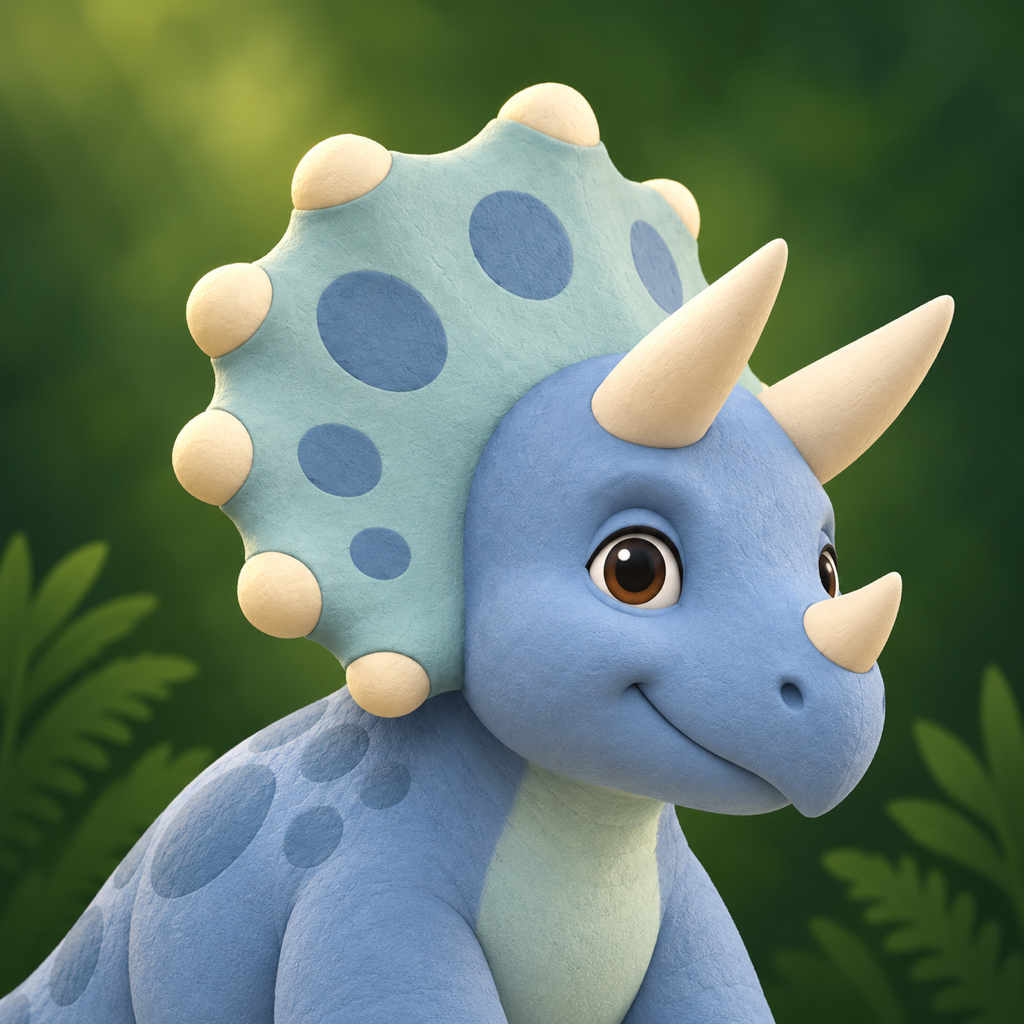
Try a free explorer
My Explorers is an optional feature in Dino Touch. Parents can reach it through the app's parental gate and enter a code to download an explorer.
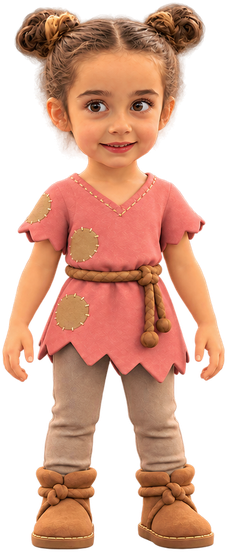
Meet Demo Explorer, an extra friend for your prehistoric adventures.
- In Dino Touch, open For Parents → My Explorers.
- Enter this code:
After the dash: letter O, zero, one.
- Tap Find Explorer, then Add Explorer.
No account or reference photo needed. Download once, then play offline. You can remove the explorer anytime.
Custom Explorers
Parents and other adults can email us to ask about custom explorer availability and the creation process. Creation requests are subject to availability; delivery and turnaround times are not guaranteed.
Do not send children's full names, birth dates, addresses, or unnecessary personal details. A generic display name is preferable, but personalized artwork can still identify a child. Only provide photographs or recordings you are authorized to share.
Read about reference photographs, shareable codes, downloads, and deletion in the Dino Touch Privacy Policy.
Get in Touch
Get help, share an idea, or ask about a custom explorer.
A parent or guardian can email matthew@teamdiogo.com for help with Dino Touch.
Reporting an issue
These details can help us understand the issue:
- Device modelFor example, iPhone 15 or iPad mini.
- iOS or iPadOS versionFound in Settings under General and About.
- Dino Touch app versionThe version shown for Dino Touch in device storage or the App Store.
- What happenedA brief description of the issue and what you were doing beforehand.
Protect children's privacy
For ordinary support, please do not send a child's name, photo, voice recording, location, or other personal information. A parent or guardian's contact details and a technical description are enough for a support request.
Learn more in the Dino Touch Privacy Policy.